
CCTV Installation
Edmonton
Worried about entrances, blind spots or footage that will not be useful when you need it? We survey long terraces and semis with side access in Edmonton, then position cameras and cable routes for clear views, reliable recording and straightforward phone access.
Reolink Official Partner · NICEIC-Registered Electrician D609991 · 388+ Reviews Across Platforms · 12-Month Workmanship Guarantee
Your CCTV Installation Worries Answered in Edmonton
Worried about visible cables, missing an important view, phone access or what happens during an outage? Here is what we check and agree before installation.
Will CCTV installation leave visible cables or make a mess?
Cable routes agreed first
We agree camera positions, drilling points and every visible cable or containment route before installation starts. Where practical, we use lofts, soffits, cupboards and existing routes, protect the working area and leave the installation tidy. If a section must remain visible, you see and approve the proposed route first.
How will I know the cameras cover the areas that matter?
Useful views, not camera numbers
We start with what you need to see at each entrance, boundary or internal area, then check distance, mounting height, lighting after dark and privacy boundaries. Camera type and quantity follow those required views, so the proposal is based on useful recorded detail rather than simply selling a standard camera package.
Will I be able to view the cameras easily on my phone?
Secure access shown at handover
Where the selected system supports remote viewing, we configure authorised phone access and demonstrate live view, playback and the agreed alerts before handover. We also explain who has access and how to manage it, so the system is usable without sharing one account more widely than necessary.
What happens to the CCTV if the internet or power goes down?
Failure behaviour explained clearly
A wired recorder may continue recording locally during an internet outage, but remote viewing and alerts can be unavailable until the connection returns. A power cut normally stops unprotected equipment. We explain the behaviour of the proposed system and discuss suitable backup power where continued recording is important.
CCTV Planning for Edmonton
Edmonton CCTV requirements vary between long terraces, semis with side access, flats and mixed-use or work-from-home spaces. The design begins with the areas the owner needs to observe, then checks privacy, lighting, cable routes, storage and remote access.
Survey focus: For the long terraces off Fore Street, Hertford Road and Montagu Road, spanning a wide range of build dates, with front and rear thresholds divided by a deep plan. Use dedicated camera positions and a planned cable route rather than expecting one device to provide useful detail at both ends.
We confirm camera positions, cable routes, recorder location and remote access before installation begins, so you know how the system will cover the property and where any visible containment will run.
- 🌐Home network & WiFi — reliable streaming & remote viewing
- 🏠Smart home — app-based alerts & automation
- 🚨Fire alarm — a complete safety package
CCTV & Security Systems We Install Across Edmonton
As official Reolink partners, we also supply and install UniFi Protect and Hikvision systems — from simple WiFi doorbells to full 4K PoE NVR and intercom setups. We recommend the right brand and setup for your property, budget, and coverage needs.
Video Doorbells
See and speak to anyone at your door from anywhere in the world. We install video doorbells from Reolink, UniFi, and Hikvision — HD live view, two-way audio, motion alerts, and night vision. Wired to your existing doorbell wiring or battery-powered, with subscription-free local storage options available.
WiFi Cameras
Flexible wireless cameras for indoor or outdoor use — no cable runs required beyond power. Ideal for renters, listed buildings, or quick coverage of a specific area. We configure app access, motion alerts, and cloud or local SD card recording.
PoE Camera Systems
Power over Ethernet cameras offer the most reliable, highest-quality solution — single cable carries both power and video. Ideal for permanent home or business installs. We route cables neatly through lofts and cavity walls where access allows, with tidy surface conduit elsewhere — clean, professional finish, zero WiFi dependency.
NVR Recording Systems
A Network Video Recorder gives you continuous 24/7 recording, local storage, and full control without relying on the cloud. We install complete PoE NVR systems — 4, 8, or 16 channel — with hard drive, monitor output, and remote viewing configured before we leave.
Floodlight Cameras
Combine a powerful security floodlight with an HD camera in one unit — an instant deterrent and a recording device. We hardwire floodlight cameras to your mains for reliable, permanent outdoor security at driveways, rear gardens, and side gates.
Commercial CCTV
We install CCTV for shops, offices, cafés, restaurants, and landlord properties across North London. Multi-camera PoE NVR systems with high-capacity storage and remote monitoring, installed to the same professional standard as every job we do.
UniFi Protect & Intercom
Full UniFi Protect camera systems integrated with your existing UniFi network — G4/G5 cameras (up to 4K resolution with built-in AI person, vehicle and package detection), the Protect NVR appliance, and UniFi Access video intercoms for gated entries, flats, and HMOs. One app for cameras, door entry, and network — ideal if you already run (or want) a UniFi home network, and it slots straight into a wider smart home setup.
Hikvision Cameras & Intercom
Hikvision PoE camera systems and video door entry/intercom units — a strong option for landlords, HMOs, and larger properties needing a wide product range and proven hardware. ColourVu technology keeps footage in full colour after dark, and AcuSense AI filters out false alerts from wind, pets and headlights so you only get notified about people and vehicles. We supply and install Hikvision NVR kits and intercom panels alongside our standard Reolink and UniFi ranges.
Which System Is Right For You?
We install three brands and recommend honestly based on your property and priorities — not whichever we happen to have in stock.
Reolink
Best value, no subscriptions
- Most homeowners' first choice
- Best value-to-quality for UK residential
- No monthly fees with local NVR storage
- Simple, clear mobile app
- Installation timing confirmed after the survey and equipment check
Hikvision
Reliable for small business
- Shops, cafés, offices & restaurants
- Apartment blocks, HMOs & larger properties
- ColourVu night vision & AcuSense AI detection
- Huge product range, including video intercom
- Proven hardware for demanding sites
UniFi Protect
Integrated & premium
- Premium and smart-home properties
- Already running (or want) a UniFi network
- One app for cameras, network, and video intercom
- Clean, minimal hardware and interface
- Enterprise-grade reliability at home scale
Not sure which fits your property? Tell us your priorities on a free survey and we'll recommend the right brand — not just the one we install most.
CCTV Installation — Our Work
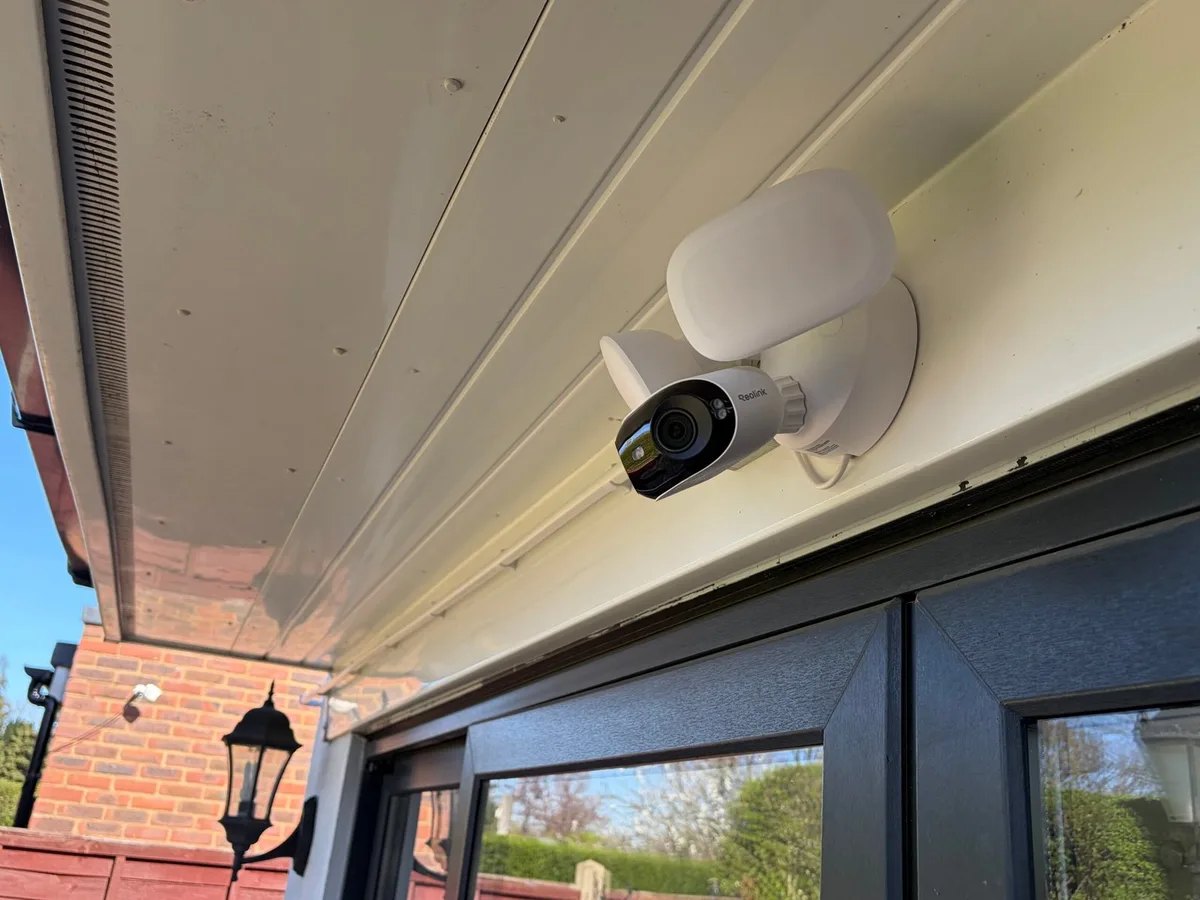
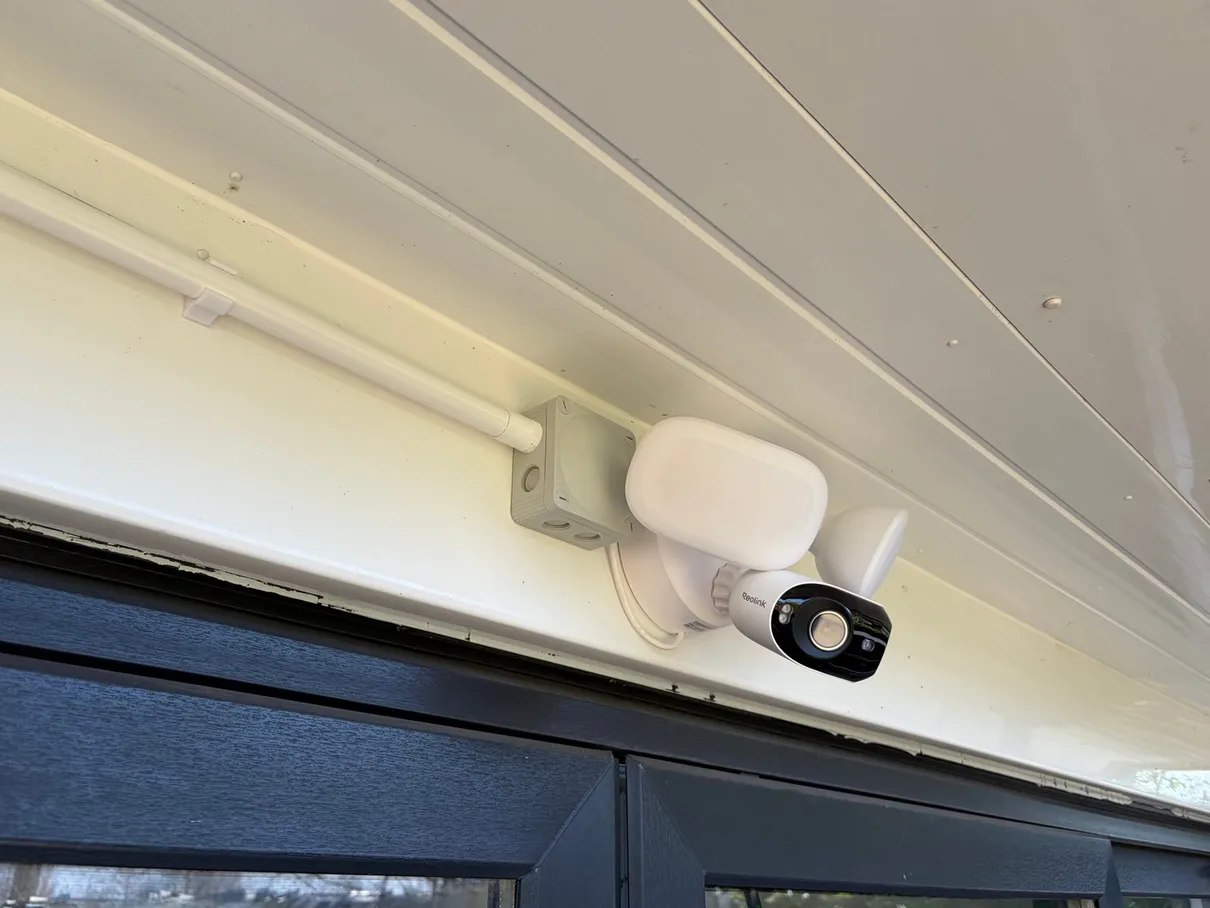
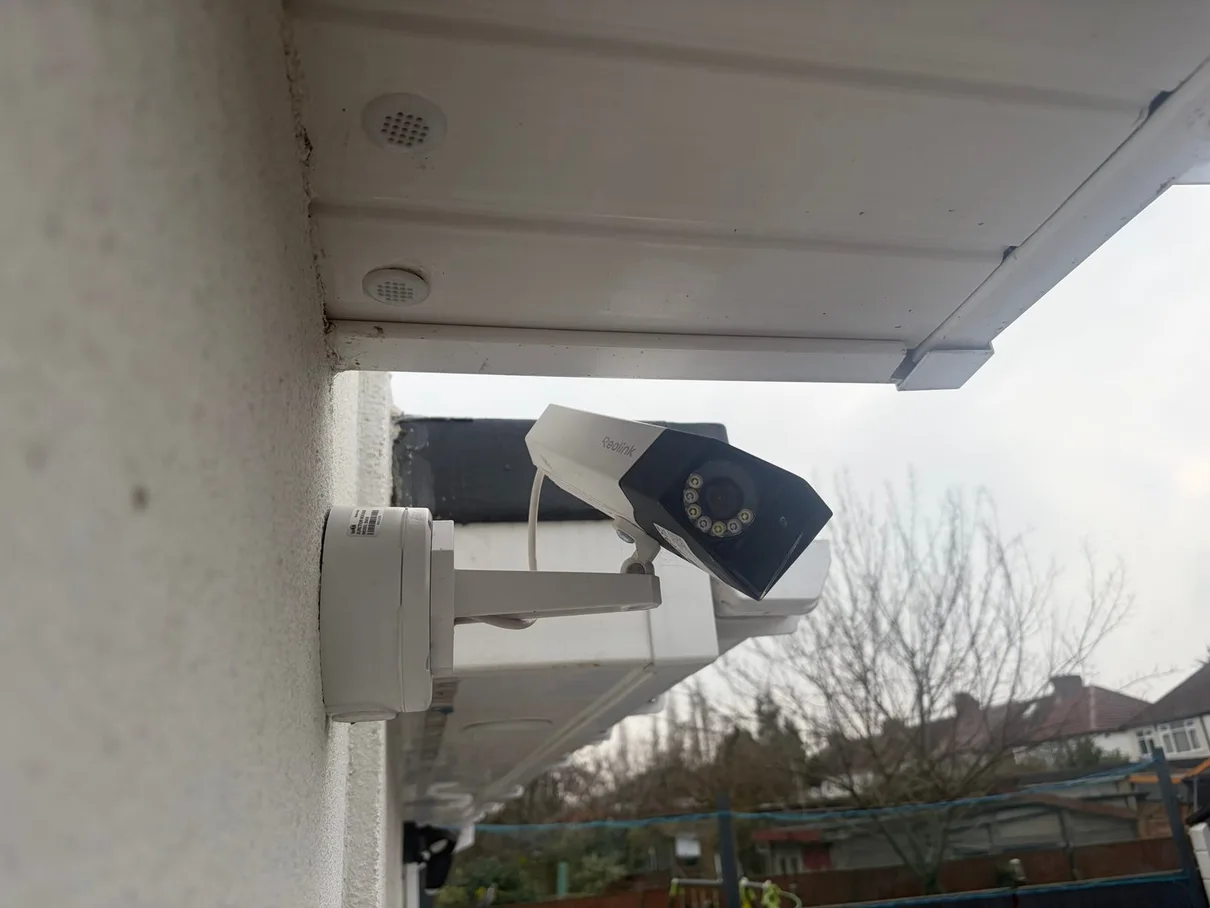
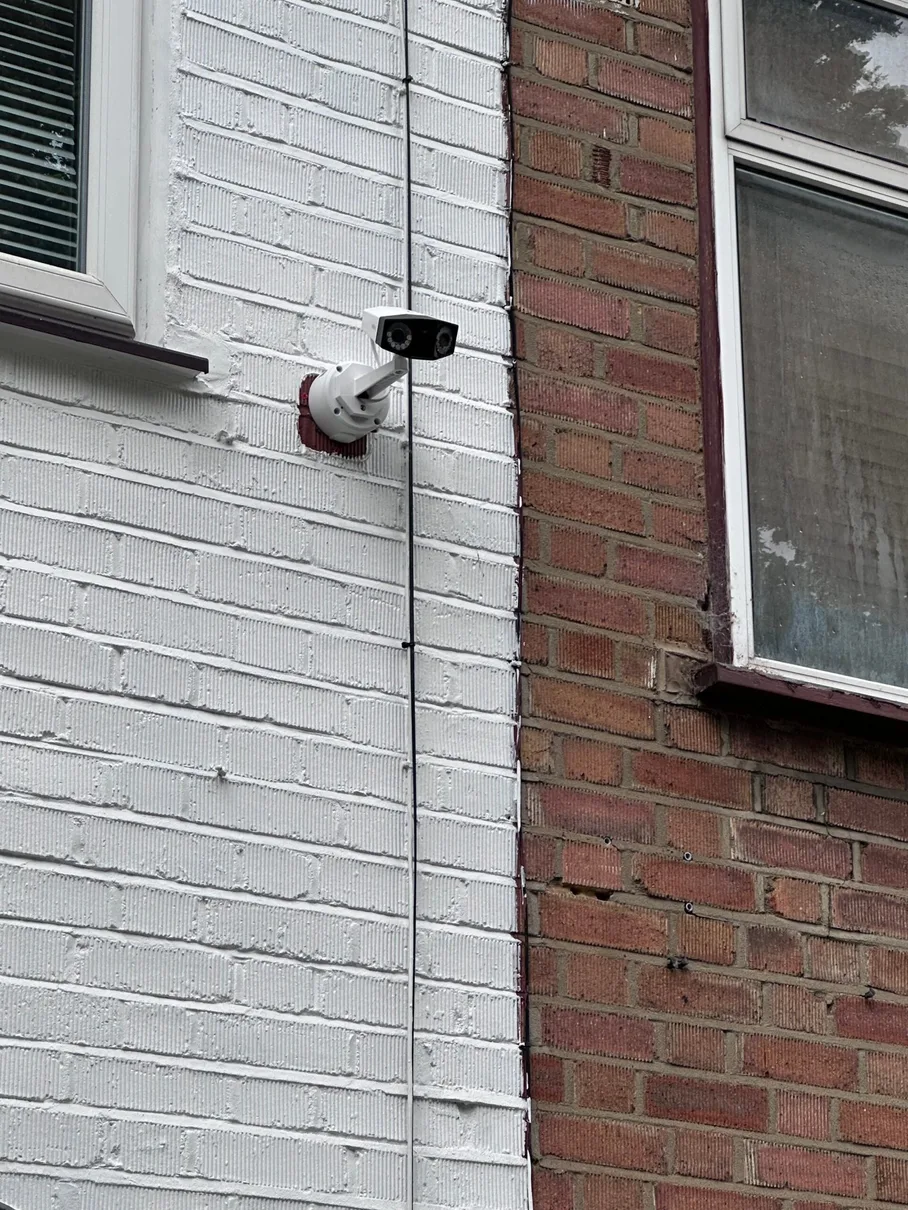
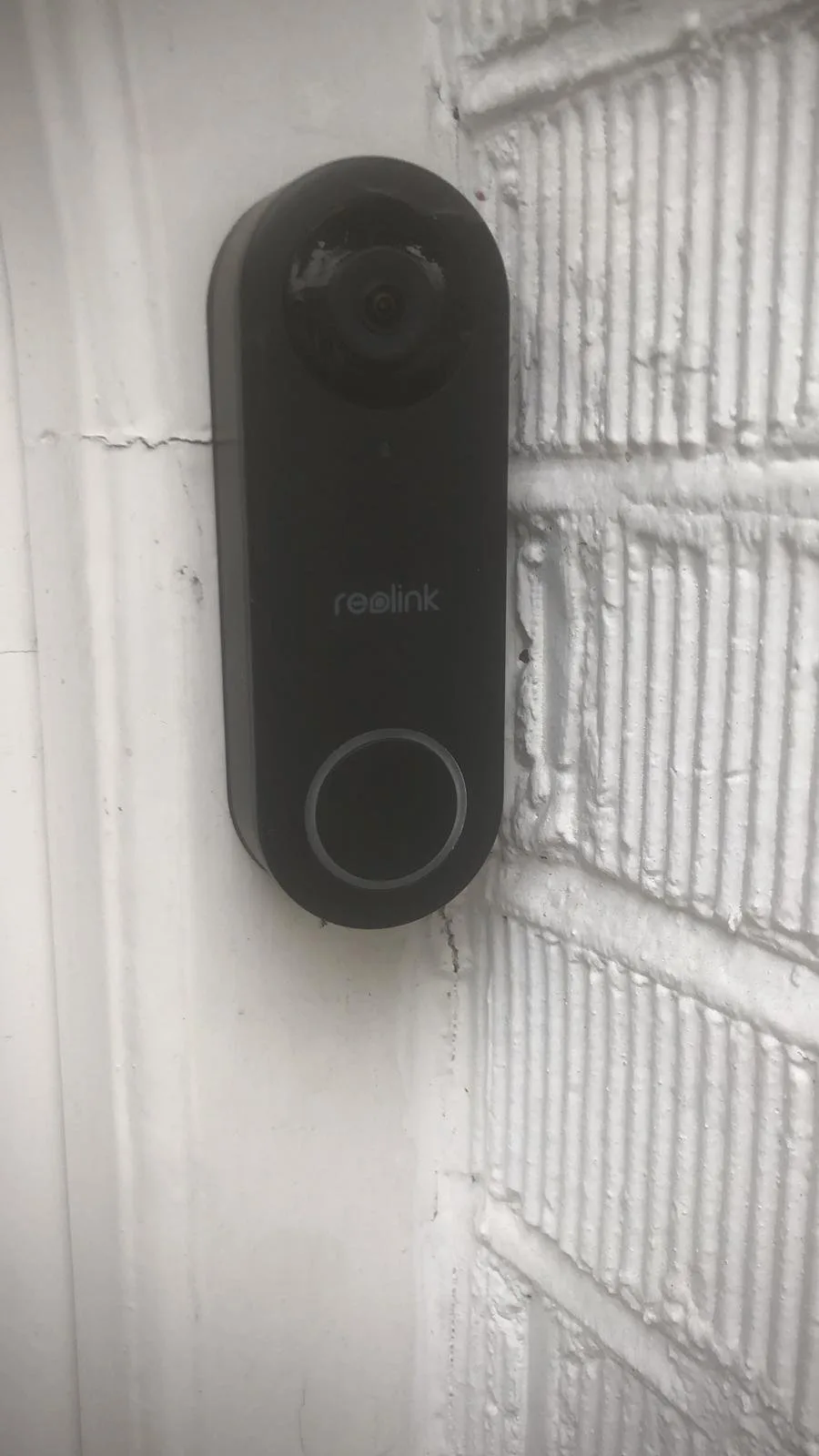
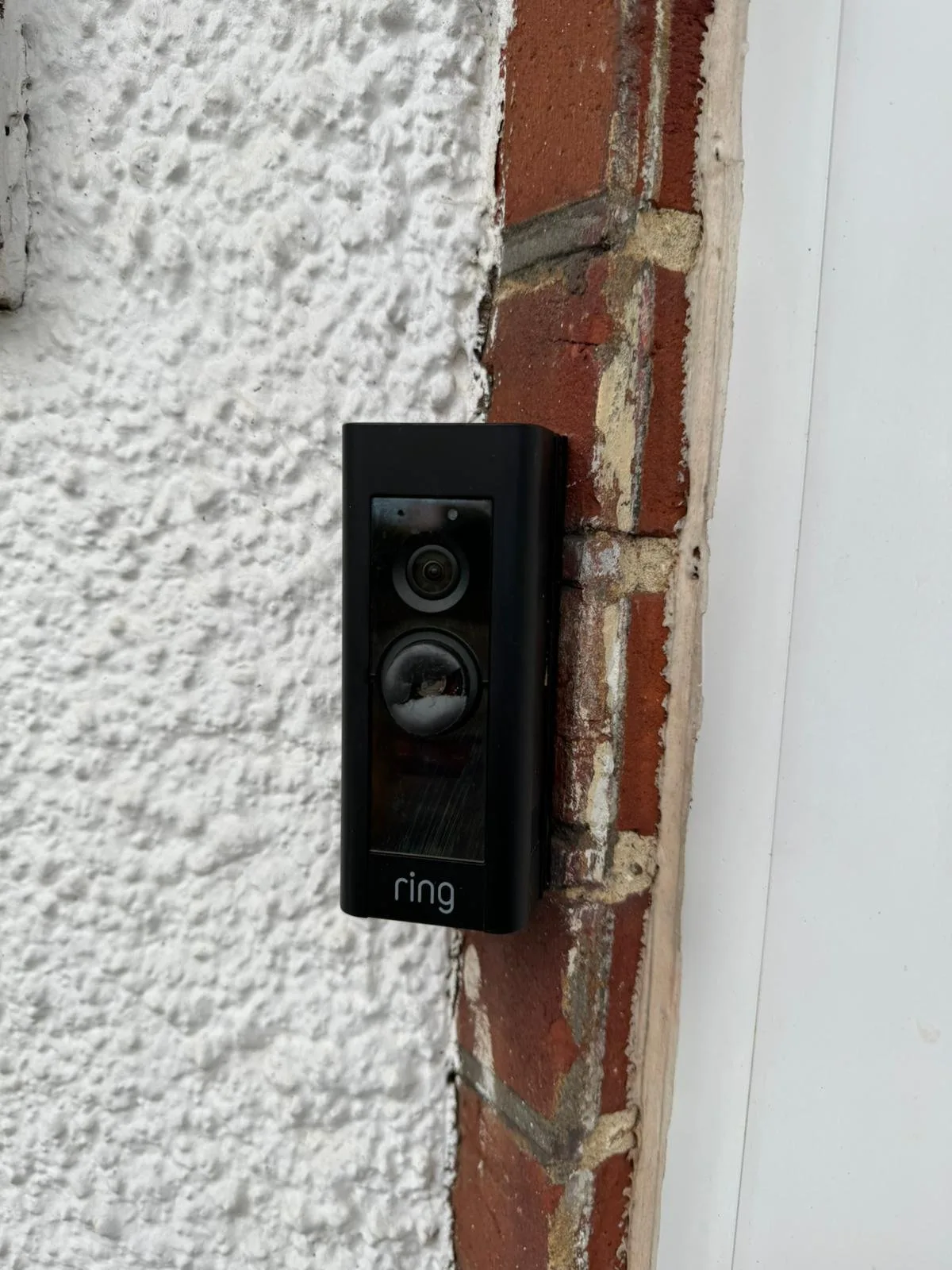
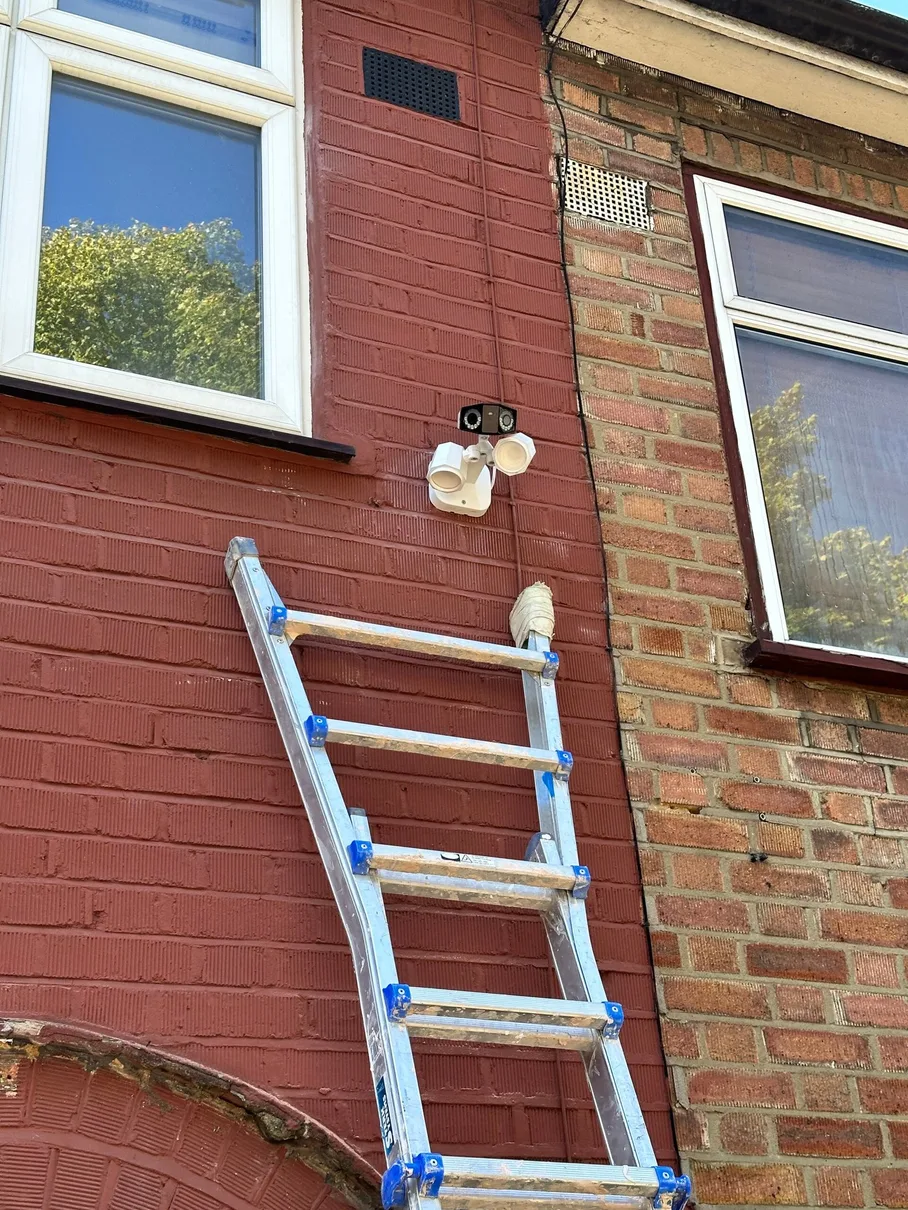
Real CCTV & security camera jobs completed across North London — Reolink, Ring and wired systems, installed and configured, with associated electrical work tested and certified where applicable.
What Our Customers Say About Us
Real reviews from homeowners in Edmonton N18, N9. Live Google reviews below — for all 388+ reviews across Google, Checkatrade and MyBuilder, see our testimonials page →
CCTV System Installation Pricing
Fixed prices, agreed before work starts — every job in writing. Cameras, cable, install, testing and full handover included.
- ✓ 2× Reolink 4K PoE cameras
- ✓ 32GB SD card per camera — view & download in the Reolink app
- ✓ Smart app & live view setup
- ✓ Motion alerts & remote viewing
- ✓ Testing & full handover
- ✓ 12-month workmanship guarantee
- ★ 4× Reolink 4K 8MP PoE cameras
- ★ 4-channel NVR + 2TB drive
- ★ Motion zones & smart alerts
- ★ Smartphone & tablet remote viewing
- ★ Testing & full handover
- ★ 12-month workmanship guarantee
- ✓ Camera count & layout designed to your floor plan
- ✓ Reolink, UniFi Protect or Hikvision — your choice
- ✓ High-capacity NVR storage (30+ day retention available)
- ✓ Multi-site remote monitoring option
- ✓ Full remote app setup & training
- ✓ 12-month workmanship guarantee
Prices above are for Reolink systems, our default. Prefer UniFi Protect or Hikvision instead? Same fixed-price structure — we quote the system cost based on the exact cameras and NVR you choose, on the same free survey.
Get a Free CCTV Installation Quote
Tell us about your property and what you'd like to cover — we'll respond during working hours to discuss the scope and prepare a no-obligation quotation.
Reolink Partners
We're official Reolink partners — we supply and install the full range from doorbells to full 4K PoE NVR systems, with equipment and installation itemised in the quotation.
NICEIC Registered
All CCTV electrical work is carried out safely by a qualified, NICEIC registered electrician following BS 7671 standards.
Full Setup & Training
Remote viewing, motion alerts, recording schedules, and app access all configured and demonstrated before we leave.
Fixed Price Quotes
From £750 for a complete CCTV system. No surprises — we agree the full price before any work begins.
How We Install Your CCTV & Security System
Professional installation from survey to training. Most residential systems are completed in a single day with neat cabling, correct setup and reliable remote viewing.
Free Site Survey
We assess coverage needs, camera locations, cable routes (NVR/PoE), and WiFi strength (WiFi systems) to plan a reliable setup.
System Design & Quote
We recommend the right cameras (Reolink, UniFi Protect, or Hikvision), confirm WiFi vs NVR/PoE, and provide a clear written quote including setup.
Equipment Ordering
We order genuine equipment through our supply channels and book your installation date once everything is ready.
Camera Installation
Secure mounting, neat cabling (NVR/PoE), safe power connections, and correct angles for maximum coverage and privacy.
System Configuration
Recording schedules, motion zones, notifications, NVR settings, and remote viewing access — tuned for day/night performance.
Training & Handover
We show you the app, playback, sharing access, and maintenance basics — so you're confident running the system day to day.
Property-Specific CCTV Planning in Edmonton
Four property and access patterns that affect camera views, privacy, cabling and storage in Edmonton. Edmonton CCTV requirements vary between long terraces, semis with side access, flats and mixed-use or work-from-home spaces. The design begins with the areas the owner needs to observe, then checks privacy, lighting, cable routes, storage and remote access. The cards compare Long Terraces, Semis With Side Access, Flats & Maisonettes, Rear Workspaces so the survey does not treat them as one standard camera layout.
Swipe to explore all property types
Long Terraces
📍 N9/N18 · front and rear doors
For the long terraces off Fore Street, Hertford Road and Montagu Road, spanning a wide range of build dates, with front and rear thresholds divided by a deep plan. How can an Edmonton terrace record both access points? The entrance distance, mounting height, lighting after dark, neighbouring boundaries and cable path back to the recorder all affect whether the recorded image will be useful.
Use dedicated camera positions and a planned cable route rather than expecting one device to provide useful detail at both ends. We agree the purpose of each view, check day-and-night framing, plan the PoE route and recorder position, and include privacy masking and secure phone access where the selected system supports them.
Semis With Side Access
📍 Edmonton · drives and side gates
For households where a side gate connects the front of the plot to a rear garden or garage. Where should cameras sit around an Edmonton semi? The entrance distance, mounting height, lighting after dark, neighbouring boundaries and cable path back to the recorder all affect whether the recorded image will be useful.
Set positions from the real walking routes and boundary, then adjust detection zones to reduce irrelevant alerts. We agree the purpose of each view, check day-and-night framing, plan the PoE route and recorder position, and include privacy masking and secure phone access where the selected system supports them.
Flats & Maisonettes
📍 N9/N18 · leasehold and shared areas
For homes with a shared block entrance, corridor or external wall. Can an Edmonton flat install its own entrance camera? The mounting surface, ownership boundary, shared circulation and any view beyond the private area all need to be understood before a position is agreed.
Possibly, subject to mounting rights and the field of view; shared fabric and communal recording should be agreed before installation. The survey records who controls the system, which areas genuinely need coverage, whether permission is required and how privacy masking, recording access and retention should be configured.
Rear Workspaces
📍 Edmonton · rear rooms and outbuildings
For offices, workshops or storage beyond reliable indoor WiFi. How should a rear Edmonton workspace connect to CCTV? The entrance distance, mounting height, lighting after dark, neighbouring boundaries and cable path back to the recorder all affect whether the recorded image will be useful.
Survey an appropriate protected network route and provide local equipment only where distance and camera count require it. We agree the purpose of each view, check day-and-night framing, plan the PoE route and recorder position, and include privacy masking and secure phone access where the selected system supports them.
Arrange a CCTV survey for Edmonton to agree views, routes, storage and handover before installation.
CCTV Installation Questions for Edmonton
Answers for Edmonton properties, followed by practical questions about camera views, privacy, cabling, storage and access.
What does CCTV installation cost in Edmonton N18, N9? Why are quotes so different?
Whether you call it CCTV, security cameras, or a home surveillance system, the cost depends on cameras and wiring. Our Edmonton pricing:
- STARTER — 2-camera front & back system: from £750 (Reolink 4K cameras, SD-card storage; +£200 to add NVR + 2TB recording)
- STANDARD — 4-camera full home system: £1,600 fully installed (Reolink 4K 8MP kit + 4-channel NVR + 2TB storage)
What changes the price: wired (IP/PoE) vs wireless, camera resolution (we default to 4MP — high-resolution cameras give clear face and vehicle detail), storage choice (NVR vs cloud), cable routing complexity (loft access, brick walls, soffit mounts).
Why quotes vary: cheap ones often skip surge protection, weatherproofing, and proper cable sealing — looks fine day one, fails after a winter. We quote everything fixed and itemised.
Should I get WiFi or hardwired (PoE) cameras? What's actually reliable?
For a permanent home security system, hardwired PoE (Power over Ethernet) IP cameras are the right call — here’s why versus wireless / WiFi cameras:
- Wireless WiFi cameras drop out — router signal weakens through brick walls, especially to outdoor cameras. Footage gaps right when you need them
- PoE = one CAT6 cable carries both data and power. No batteries, no plugs near eaves, no signal interference
- PoE = local recording — the cameras connect to an NVR (network video recorder) at home, no monthly cloud fee
- Wireless / WiFi is fine for a single video doorbell or rental properties where running cable isn’t practical
We default to PoE for permanent surveillance installs because it just works. Wireless only when there’s a structural reason cable can’t run.
Will CCTV reduce my home insurance? Does it actually deter burglars?
Honest version on insurance: probably not, unless your security camera system is professionally monitored 24/7 by an alarm receiving centre — which adds £30–£60/month. Standard self-monitored CCTV typically doesn’t trigger a discount. Ring your insurer before buying.
What CCTV / home security cameras actually do:
- Burglar / crime deterrent — visible cameras with active recording lights make opportunist burglars walk past. Research on theft prevention consistently backs this
- Evidence — high-resolution 4MP+ footage gives police a real chance to identify suspects and vehicles. Without it, you’re describing what you think you saw
- Parcel theft (porch piracy) — front-door cameras and video doorbells catch this, which is the more common modern claim than break-ins
What's the difference between a Ring doorbell and a proper CCTV system?
A video doorbell (Ring, smart doorbell, etc.) and a full CCTV / home security camera system are different products for different jobs:
Ring video doorbell — single field of view at front door (~120°), cloud-only recording (£3.50–£8/month required), records on motion not continuously. Great for: who’s at the door, parcel deliveries.
Proper CCTV (4–8 surveillance cameras) — covers front + back + sides + garage (full property view), hardwired PoE IP cameras, 24/7 continuous recording, NVR records locally (no monthly fee), 4MP+ resolution for face and vehicle identification. Great for: full property security, evidence-grade footage.
Most Edmonton homes we install end up with both — a video doorbell at the front + a 4-camera CCTV system covering the rest. They’re complementary, not alternatives.
Reolink, UniFi, Hikvision, Ring, Nest — which brand is best?
We install three main brands and give you an honest recommendation rather than pushing whichever we happen to stock:
- Reolink — our official partner brand and default recommendation. Best value-to-quality for UK residential, 4MP+ IP cameras, local NVR option (no monthly fee), reliable PoE range, decent app, 2-year warranty
- UniFi Protect — the step-up choice if you already have (or want) a UniFi network. Cameras, NVR, and video intercom all run in one app alongside your WiFi and network gear — the tidiest option for anyone who wants everything unified
- Hikvision — a huge range including video door entry and intercom systems, strong image quality, and proven hardware. We supply and install Hikvision for customers who specifically want it or need its wider commercial/HMO product range
- Ring (Amazon) — video doorbell focus; full CCTV needs monthly subscription, cloud-only
- Nest / Google — premium price, subscription-driven (Nest Aware £6/month minimum), limited camera-count flexibility
- Eufy / Arlo — battery wireless WiFi only, fine for tenants, not permanent home installs
- Swann / ADT — older analogue or DIY kits; possible but we recommend modern 4MP+ IP cameras over analogue
Tell us your priorities — lowest cost, network integration, or intercom/access control — and we'll recommend the right brand for the job, not just the one we install most.
Where should the cameras go and how many do I need?
For a typical Edmonton home, 4 outdoor security cameras cover ~90% of risk:
- Front door / driveway camera — captures approachers, deliveries, vehicle detail
- Rear garden / patio doors — most break-ins come through the back; a garden camera here is high-priority
- Side return / alleyway — common entry to back garden
- Garage / shed / second side — depending on layout
Add 2–4 more for: detached garages, large gardens, second drives, tree-blocked angles, outbuildings.
On a free site survey we look at: soffit/eave height, cable runs back to the NVR (loft access, internal routes), local lighting at night (drives IR vs white-light camera strategy), router and switch locations. We design coverage for your house, not a generic 4-camera kit.
How is footage stored — NVR or cloud subscription?
Two paths for video recording storage:
NVR (Network Video Recorder) — what we install by default
- 14–30 days of continuous 4MP footage on a 2TB drive (£60 to swap up)
- No monthly fee, ever
- Recordings stay on your premises (modern equivalent of an old DVR system)
- Connects to your phone app for remote viewing
Cloud subscription
- Reolink Cloud: from £3.50/month per camera
- Ring Protect: £3.50–£8/month per device
- Nest Aware: £6/month minimum
- Adds up to £40–£90/year per camera — locks footage behind a paywall
We always quote with NVR included. Cloud is optional if you want offsite backup of critical clips.
Will it work at night? Can I actually identify faces in the dark?
Yes — modern high-resolution security cameras give clear night vision footage. Depends on camera + lighting:
- 4MP / 4K resolution (ultra HD) = legible faces at 5–10m in good light
- IR (infrared) night vision = black & white, range 20–30m, works in pitch dark
- Colour night vision (white-light LED) = colour footage at night, range 8–15m, needs some ambient light
- Reolink ColorX / Spotlight = best of both — IR for distance, white-light triggered by motion
For Edmonton homes the right answer is usually IR + spotlight on the front-door camera (colour clothing detail when someone approaches) and IR-only on side/back cameras (range + stealth — you don’t want spotlights into the neighbour’s bedroom). We pick per-camera, not a one-size kit.
Can I view the cameras on my phone from anywhere? Will I get notifications?
Yes, set up as part of every install:
- Phone app (Reolink, UniFi Protect, or Hikvision — whichever system we install) — live view, playback, motion alerts, two-way audio on supported cameras
- Setup once on home WiFi, then accessible from anywhere via the app’s secure relay (no DDNS or port-forwarding faff)
- Push notifications — motion detected, person detected, vehicle detected
- AI filters — Reolink filters ‘person’ vs ‘animal’ vs ‘vehicle’ so you’re not pinged every time a fox crosses the garden
- Multi-user — partner / family on their own logins with full access
We configure the app on your phone before we leave. If you want notifications only during specific hours (e.g. while you’re away), we set that up too.
Will the cameras get hacked? How safe is the footage on our system?
Honest answer: any internet-connected device has some risk, but a well-configured system makes you a hard target.
Why our installs are low-risk:
- Local NVR, not cloud-only — your footage sits on a hard drive at home, not on a third-party cloud server (Ring’s 2019 incident was cloud-side)
- Strong unique passwords — we change every default password on cameras and the NVR before we leave
- Closed network ports — modern systems (Reolink, UniFi Protect, Hikvision) use an outbound-only secure relay (no inbound port-forwarding to hack)
- Regular firmware updates — we set the NVR to auto-update for security patches
What you should do:
- Don’t reuse your email/banking password on the CCTV app
- Don’t let third-party apps access the camera feed
- Ring us if a camera’s recording light is on when it shouldn’t be
Whichever brand we install — Reolink, UniFi Protect, or Hikvision — local NVR storage plus secure configuration is what actually keeps a system safe, not the badge on the camera.
What happens during the install — drilling, cables, mess?
A typical 4-camera install at a Edmonton home takes one day:
Camera mounting (~2 hours) — fit to soffit/eave or external wall on stainless brackets. 8–10mm cable holes sealed with mastic to stop water ingress. Each camera angled before final fix.
Cable routing (~3 hours) — CAT6 through soffit boxing → loft → down internal wall to NVR location. Where loft access isn’t possible, we run external in cable conduit (matched to fascia colour). No chasing brick — cables go through existing routes.
NVR setup + commissioning (~2 hours) — NVR in a discreet spot (under stairs, cupboard, study). Cameras configured, motion zones drawn, app set up on your phone. Walk-through with you before we leave.
We hoover, take all packaging, and bin the old kit.
My neighbour is upset about my camera. What are my rights?
Common situation. The law in plain terms:
You can record — your own driveway, garden, doorway; public space visible from your boundary (street, footpath).
You shouldn’t record — inside your neighbour’s windows; their private back garden as primary camera angle; audio from their property (audio has stricter rules than video).
If your camera sees beyond your boundary — register with ICO (£40/year), put up ‘CCTV in operation’ signage, respond to subject access requests, delete footage on a regular cycle.
Best practice when neighbour raises concerns:
- Walk them through what the camera actually sees (most worries are based on perceived angle, not real)
- Adjust angle to clearly exclude their property if possible
- Confirm you’re ICO-registered if applicable
We design installs to minimise neighbour-overlap from day one. If concerns come up later, we’ll come back and re-angle for free.
Do you install CCTV for shops, offices, cafés, and restaurants? How is a commercial job different from a home install?
Yes — commercial installs follow the same fixed-price-in-writing approach as residential, just scaled and quoted individually rather than off a fixed tier, because the variables are much wider:
- Camera count & layout — designed around your actual floor plan, till points, staff entrances, and stock room, not a generic 4-camera kit
- Higher-capacity storage — 30+ day retention is common for commercial (vs 14–30 days residential default) to meet insurance or lease requirements
- Brand choice — Reolink, UniFi Protect, or Hikvision, whichever suits your site and budget
Because commercial jobs range from a single shop to a small chain of a few locations, we quote after a free site survey rather than a fixed online tier — same no-obligation, fixed-price-in-writing approach either way.
What are our legal responsibilities for CCTV as a business — staff monitoring, ICO, signage?
Business CCTV is treated differently in law to a homeowner's front-door camera — the domestic-use exemption in UK data protection law doesn't apply once you're recording staff, customers, or the public as part of running a business. In general terms:
- ICO registration — most businesses running CCTV need to register with the Information Commissioner's Office and pay the data protection fee
- Clear signage — visible notices telling staff and visitors that CCTV is in operation and why
- Documented retention & access policy — how long footage is kept, who can view it, and why
- Staff monitoring specifically — needs a clear, communicated policy; covertly monitoring staff without strong justification is a legal risk
We're electricians and CCTV installers, not solicitors — for the specifics of your situation, the ICO's own CCTV guidance (ico.org.uk) is the authoritative source. We're happy to talk through the practical setup (retention periods, signage placement) as part of your site survey.
Can you monitor multiple sites or shops from one place?
Yes — this is one of the areas UniFi Protect and Hikvision are particularly strong, and a common ask from landlords and multi-site business owners:
- Centralised viewing — see every site's cameras from one app or console, rather than logging into separate systems per location
- Per-site local recording — each site keeps its own NVR storage, so one site losing internet doesn't affect footage at another
- Scales as you grow — add a new site's cameras into the same management app rather than starting a new system each time
We set this up as part of the commercial site survey — tell us how many sites you need covered and we'll confirm it works for your setup before we quote.
Need CCTV Installation in Edmonton?
Professional CCTV and security camera installation in Edmonton N18, N9 and all surrounding North London areas including Edmonton, Enfield, Palmers Green, Southgate, Wood Green, and more. Free site survey, fixed prices, fully configured with remote viewing set up before we leave.